
Upload an image, or pick one the site already has from its files. PNG, JPEG, GIF, WebP and SVG all work; SVG files are cleaned of anything that could run code.
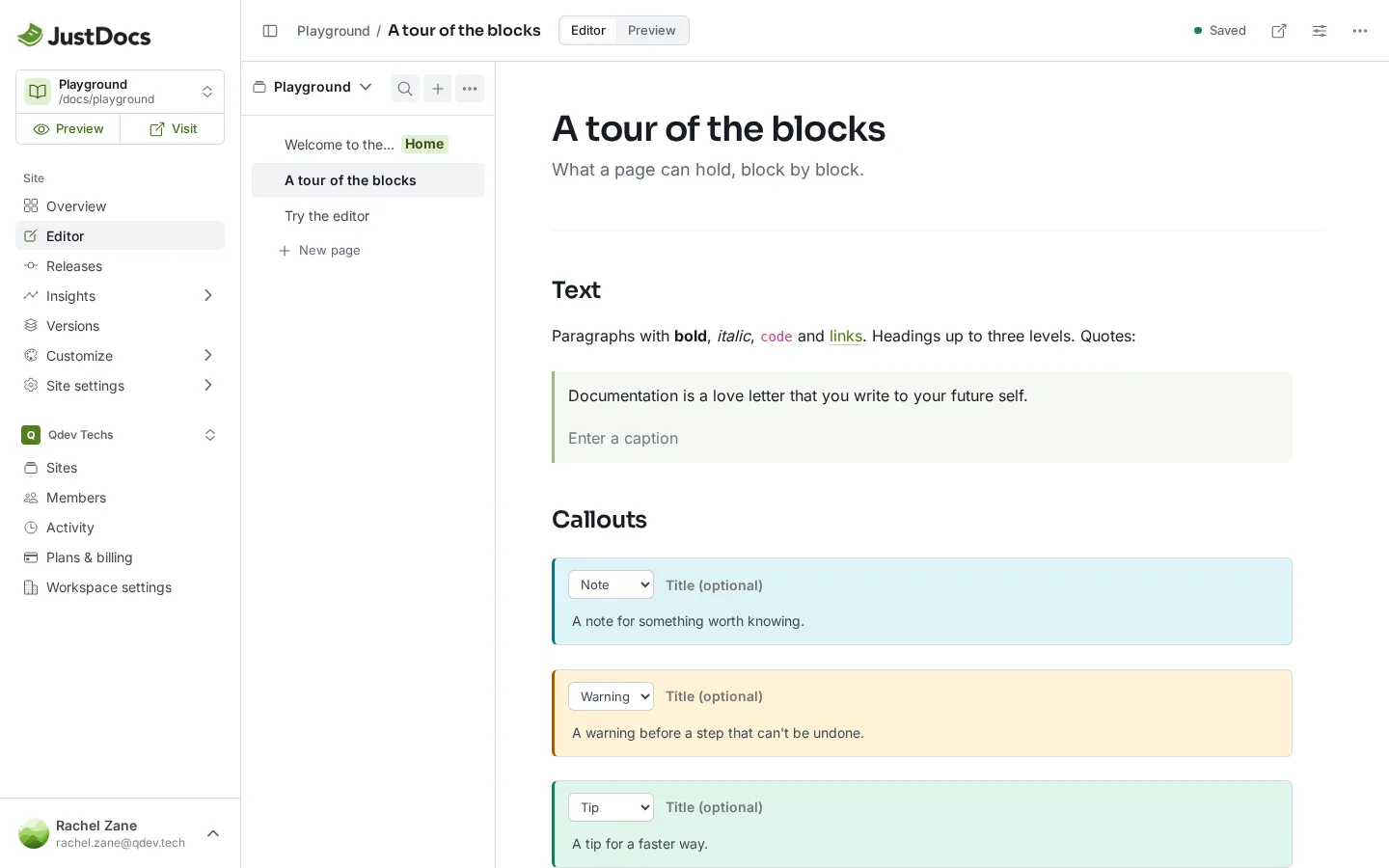
Images in tabs
Tabs can hold images too: handy for showing the same screen in different setups. These are two of the demo's own sites, each with its own look from Customize.
Gradient style
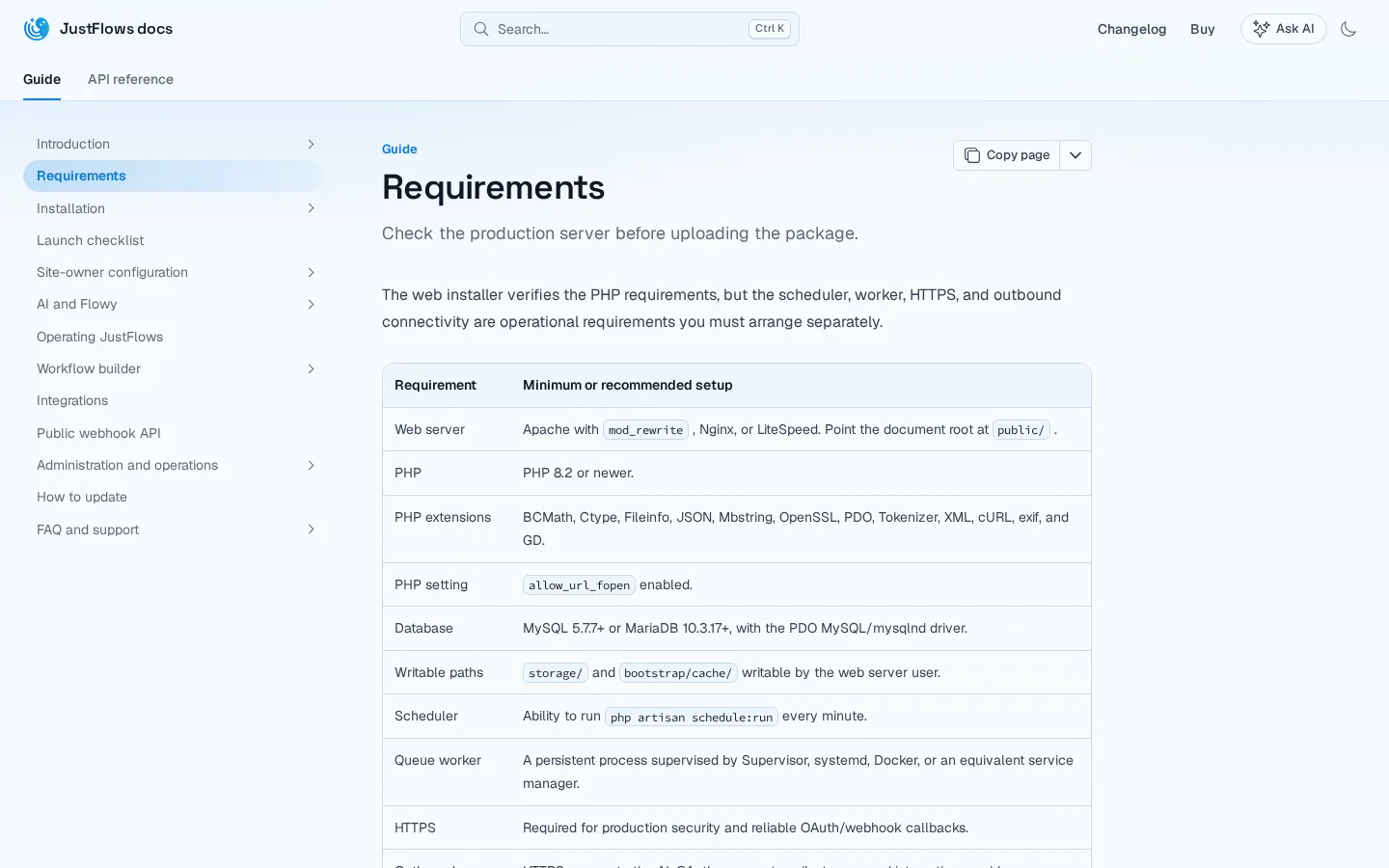
Bold style
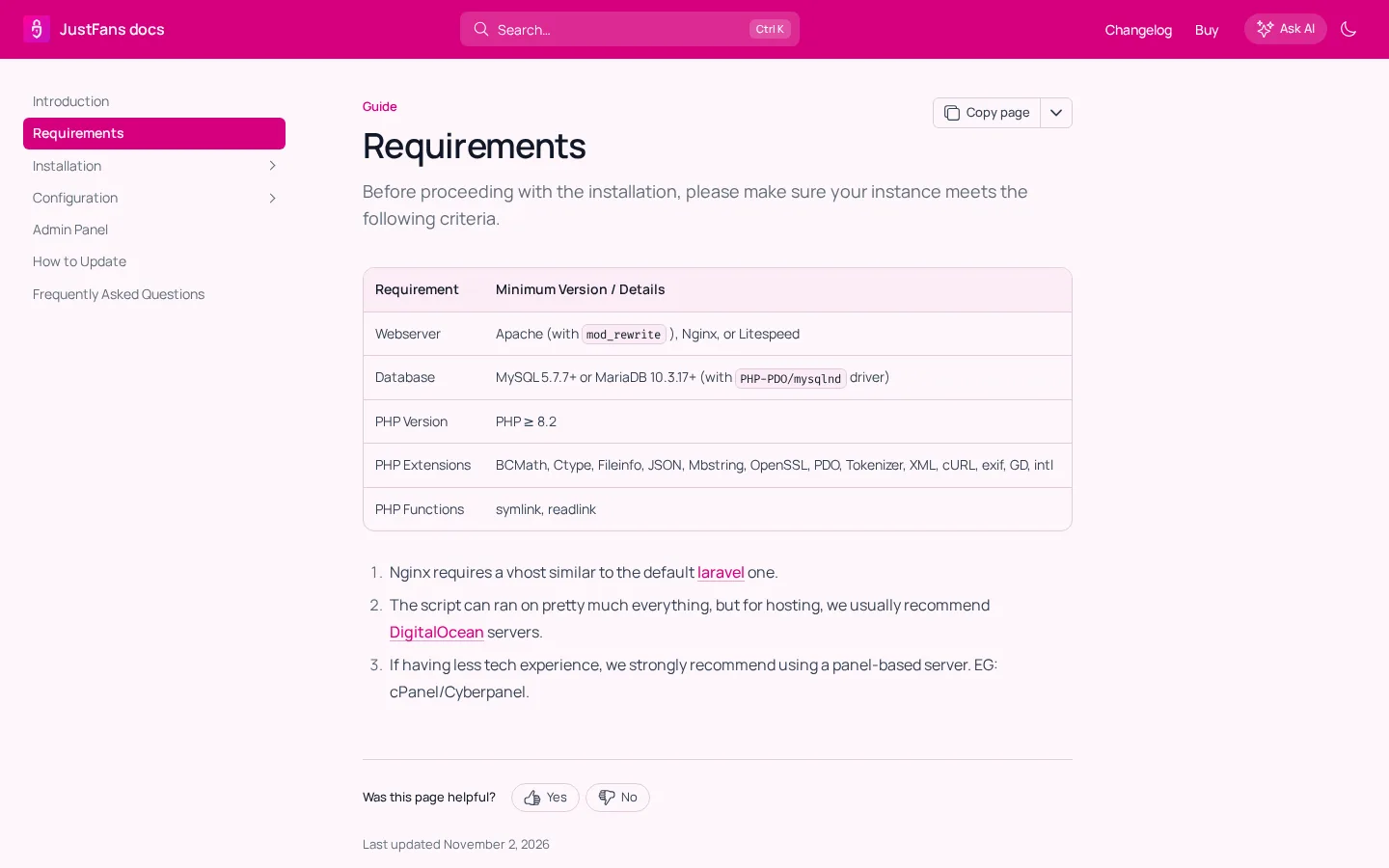
Good screenshots
- Crop to the part that matters. A whole screen hides the one button you mean.
- Write alt text that says what the image shows, for readers who can't see it.
- Add a caption when the image needs explaining; skip it when the text around it already does.
- Retake screenshots when the screen changes. An old picture confuses more than no picture.