
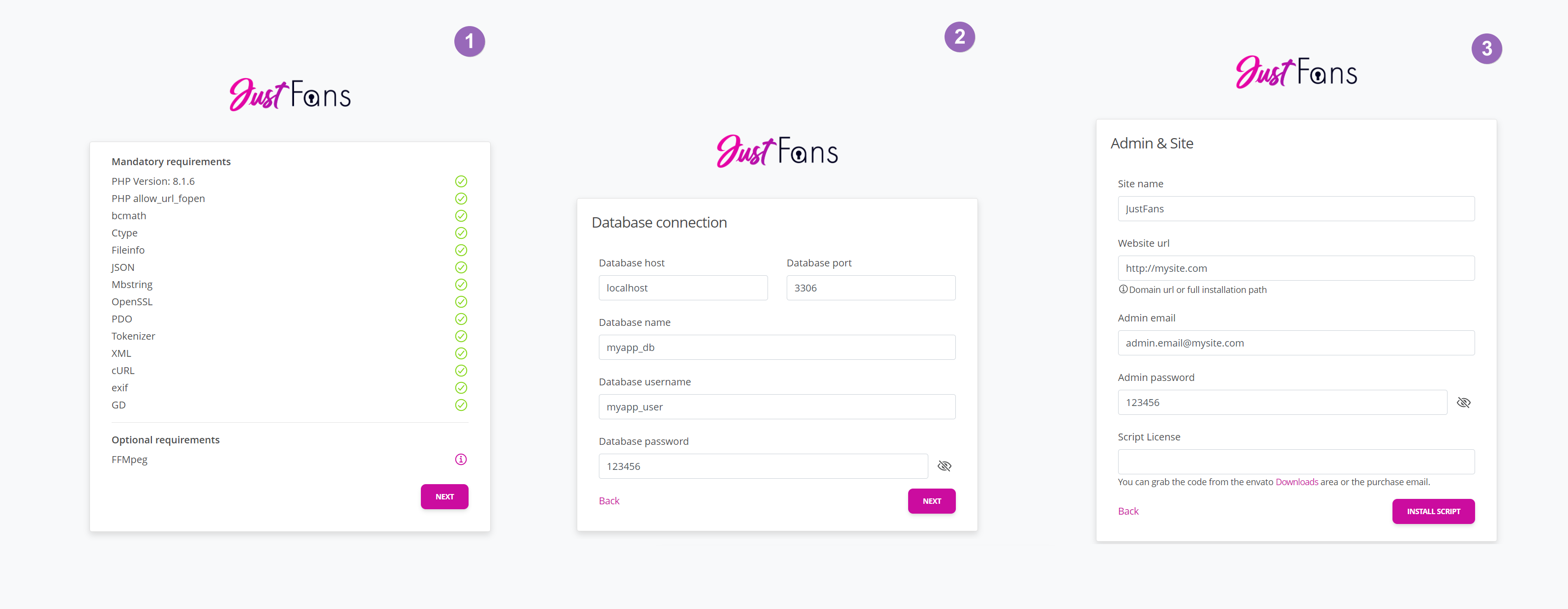
This panel will guide you through a simple, 3-step process:
- Requirements Check: The installer verifies if your server meets the minimum requirements (PHP version, extensions, etc.). If something is missing, you’ll need to fix it before proceeding.
- Database Setup: Provide the DB name, user, password, and host you created above.
- Site & Admin Settings: Configure your site’s name, admin login credentials, and license details.
Once you finish, the installer will set up your database tables, and you’ll be ready to log in to your admin panel to customize additional aspects of the platform.
If the web-installer is not available at https://your-domain.com/install, check out the https://your-domain.com/public/install one as well. If that one functions, it means you're DocumentRoot isn't properly set.