Bring your docs over from GitBook, Mintlify or Markdown
Upload a zip of your docs folder and keep its structure: spaces, nested pages, images and components.
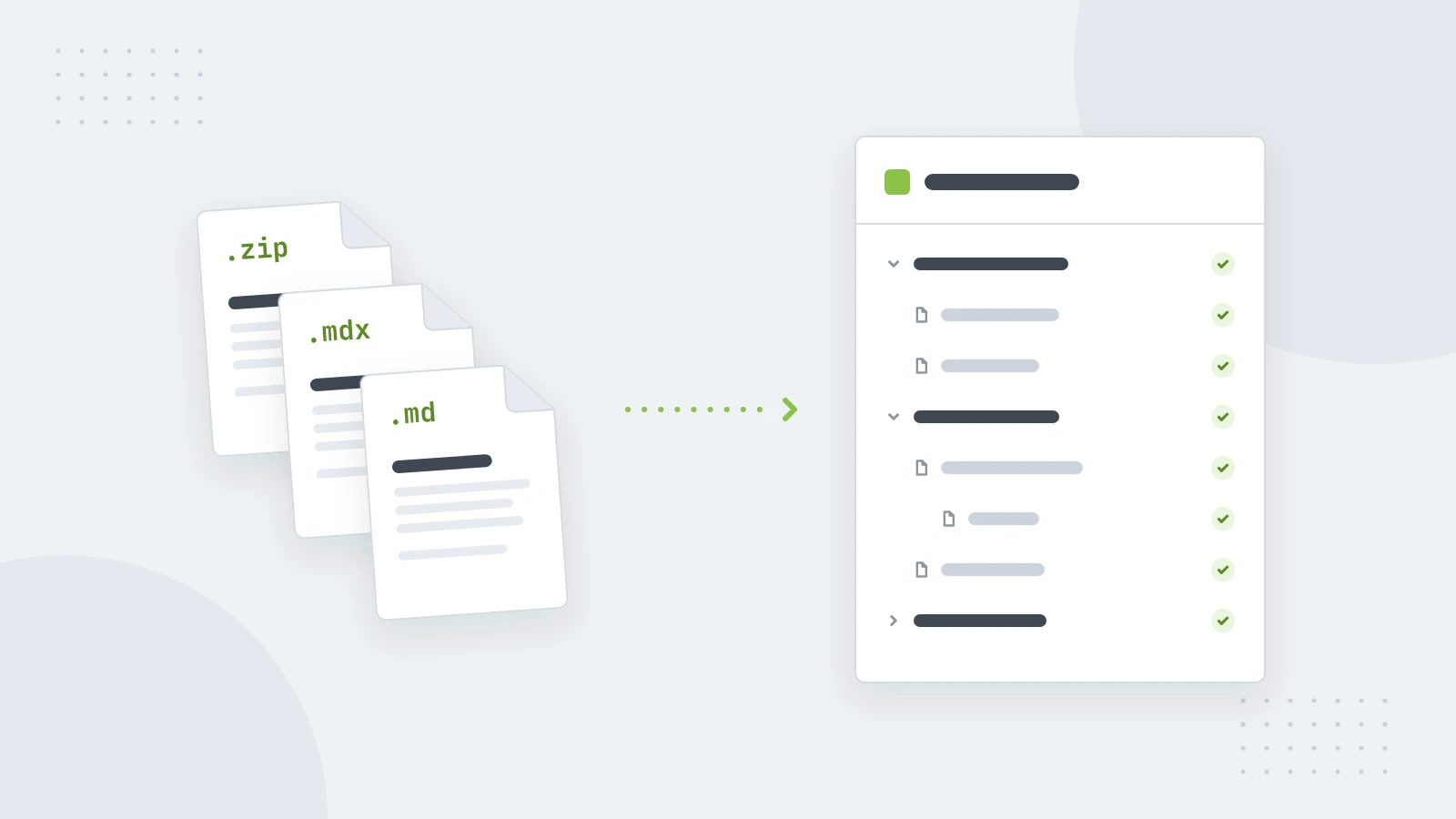
Moving docs shouldn't mean copying pages one by one. If your docs live in GitBook, Mintlify, Docusaurus or plain Markdown files, you can bring the whole site over in one go, structure included.
What you need
A zip of your docs folder: the Markdown or MDX files, their images, and the navigation file if there is one. That's docs.json or mint.json for Mintlify and SUMMARY.md for GitBook. Without a navigation file, top-level folders become spaces and subfolders become parent pages.
Import it
- Open your site in the editor.
- In the page list's ⋯ menu, choose Import a docs folder or API and upload the zip.
- Check the plan. Nothing is created yet: you see the spaces and pages the import will make, the file each one comes from, how many images it brings, and anything it will leave out.
- Choose Import. Readers see the new pages once you publish, so you have time to tidy them first.
What comes across
Headings, lists, tables, code and images come across as they are. Components become the matching blocks:
- Mintlify's notes, tabs, steps, code groups, accordions and cards;
- GitBook's hints, tabs and steppers;
- Docusaurus admonitions and GitHub's note blocks.
Have an OpenAPI file? The same menu turns it into API reference pages, with endpoints, parameters and code samples.
And out again
You can take your docs with you at any time: Export as MDX writes your pages as MDX files with a docs.json, the same shape the import reads. No lock-in, in either direction.