Keep your docs next to your code with Git sync
Connect GitHub or GitLab: pushes arrive as drafts, and every publish goes back to the repository as one commit.
Some teams like to write docs in the editor. Others want them in the repository, reviewed in pull requests like everything else. Git sync lets both work on the same site.
How it works
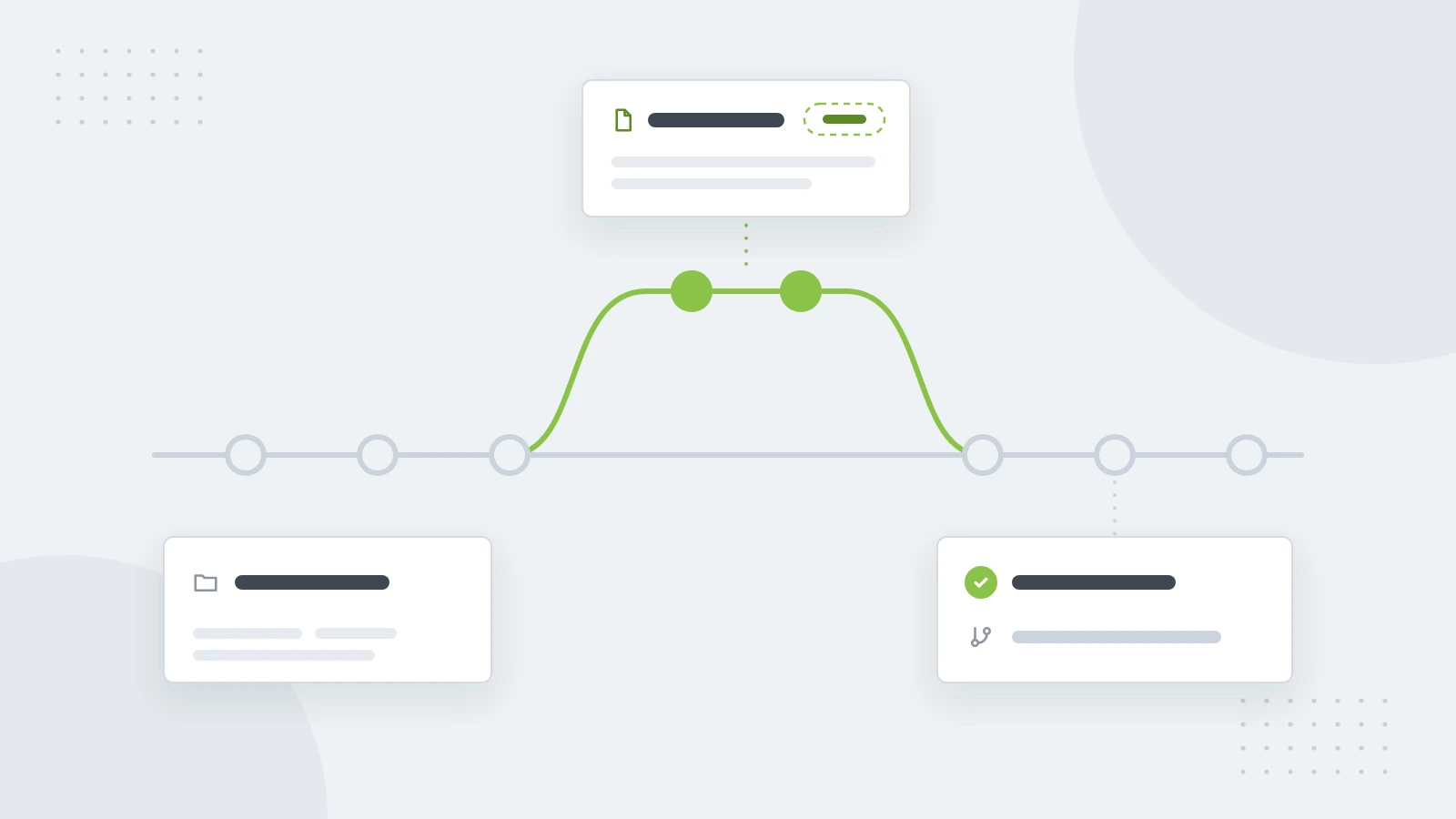
- Pushes arrive as drafts. When someone pushes to the connected branch, the changed pages come in as drafts, and nothing goes live until someone publishes. Prefer every push to go live straight away? Turn off Make pushes drafts.
- Publishing commits back. Each publish goes back to the repository as one commit, with the release notes as its message.
- Drafts stay in the editor. The repository mirrors the live docs, so work in progress stays out of it.
Connect a repository
- Open Site settings → Git sync.
- Choose GitHub or GitLab, then the repository and the branch.
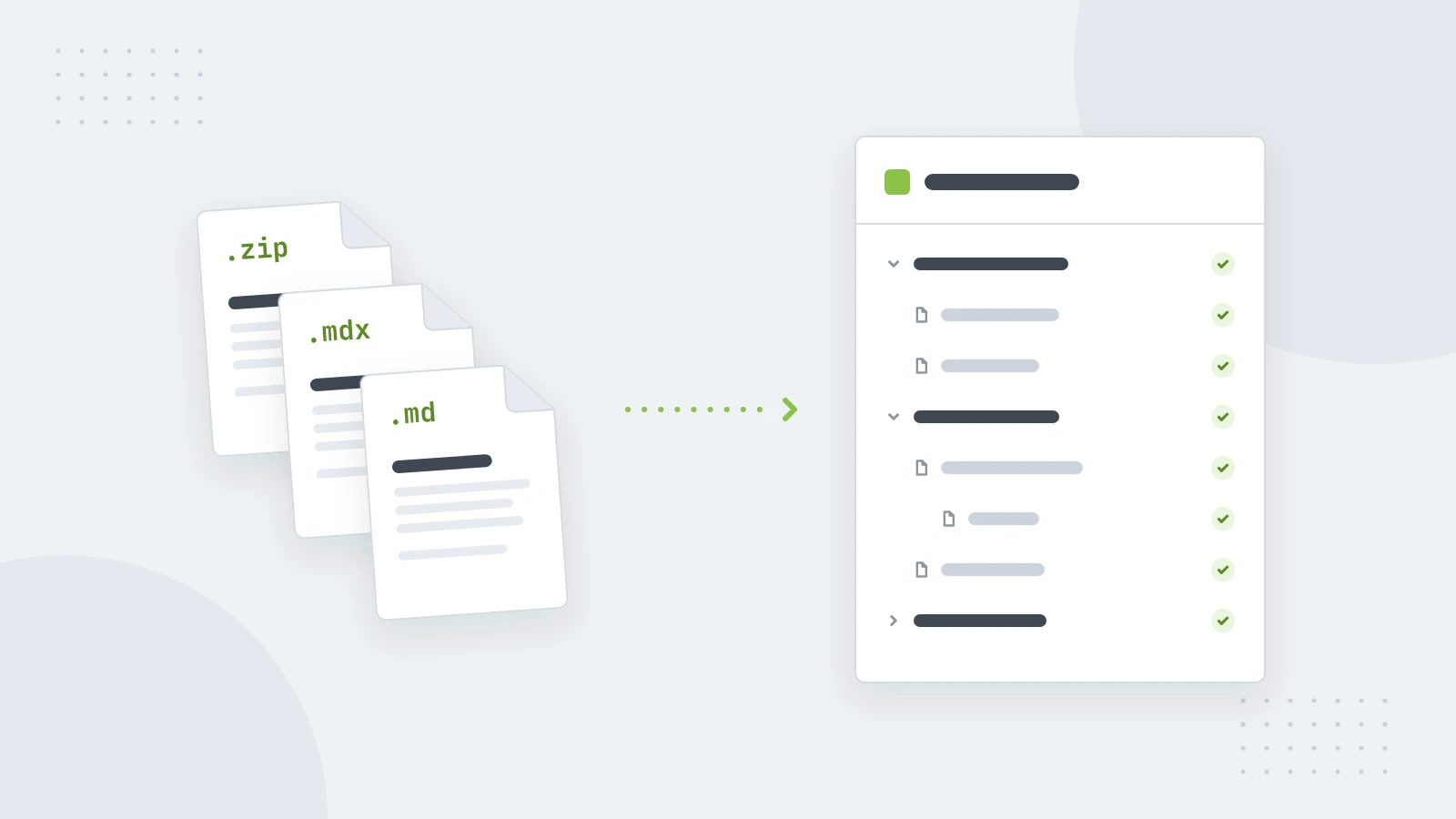
- If the repository already has docs, check what comes in, then import it.
Pushes usually show up within a minute. If your Git provider can't reach the platform to announce them, they come in every hour instead, or right away with Sync now.
When both sides change a page
If a page changed in the editor and in the repository, the repository's version becomes the draft, and yours stays in the page's history. Nothing is lost, and you decide which words win.
Is it right for your team?
Git sync shines when engineers write most of the docs, or when docs should change in the same pull request as the code. If most of your writers aren't developers, the editor alone is simpler, and you can connect a repository later.