Find the pages your readers can't find
Searches that found nothing, questions AI couldn't answer and broken links: where Insights shows readers getting lost.
Docs rarely fail loudly. A reader searches, doesn't find it, and leaves. Insights shows you where that happens, with no cookies needed.
Four places to look
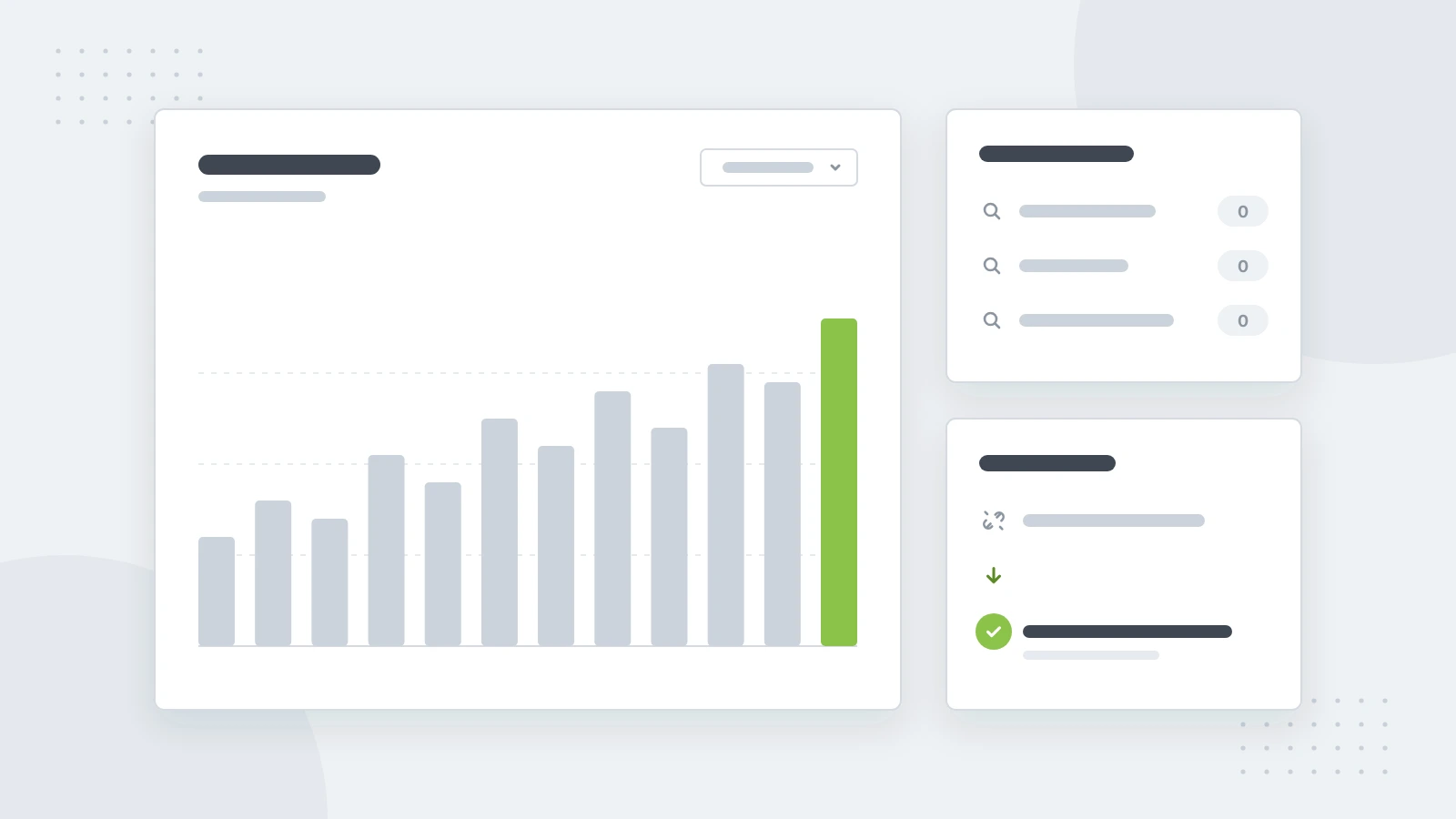
- Search: what readers type, and the searches that found nothing. Each one is a page to write, or a word to add to a page you have.
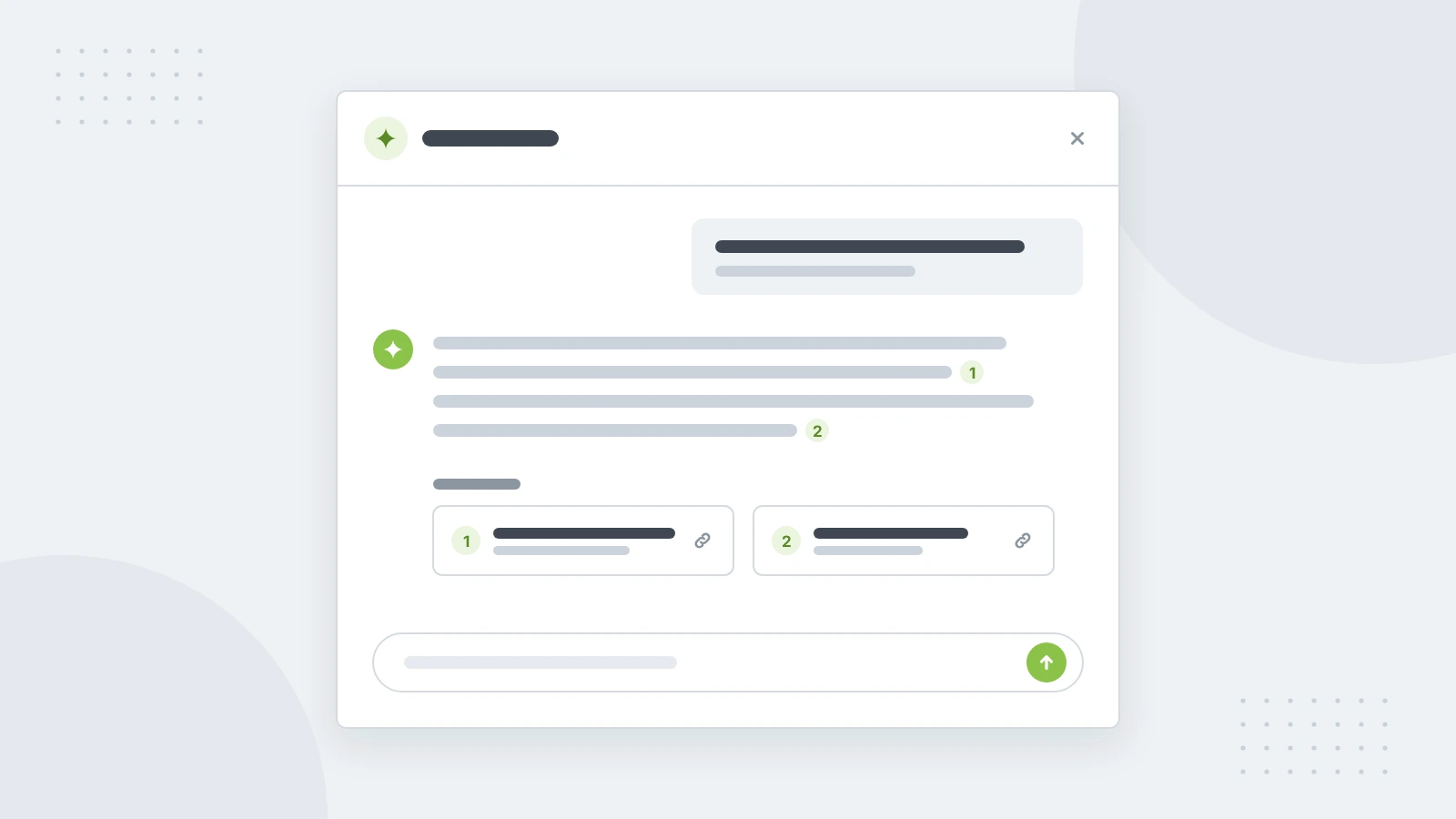
- Feedback: page ratings and comments, and the questions readers asked Ask AI, including the ones the docs couldn't answer.
- Broken links: addresses readers arrived at that don't exist, and links inside your docs that lead nowhere.
- Traffic: visits over time, where readers came from and which pages they read.
Fix a broken link in one click
When a page moves, readers with old links land on "Page not found". Broken links lists those addresses with a suggested page: the one that used to live there, or the closest match. Add redirect sends readers on. When publishing changes a page's address, the old address leads to the new one on its own.
Make it a habit
Once a week, read the searches that found nothing and the questions AI couldn't answer, and fix the top three. It takes half an hour, and it's the most direct way to make your docs better.